IT
OmnvertImage • Document • Network

Image Conversion Tools

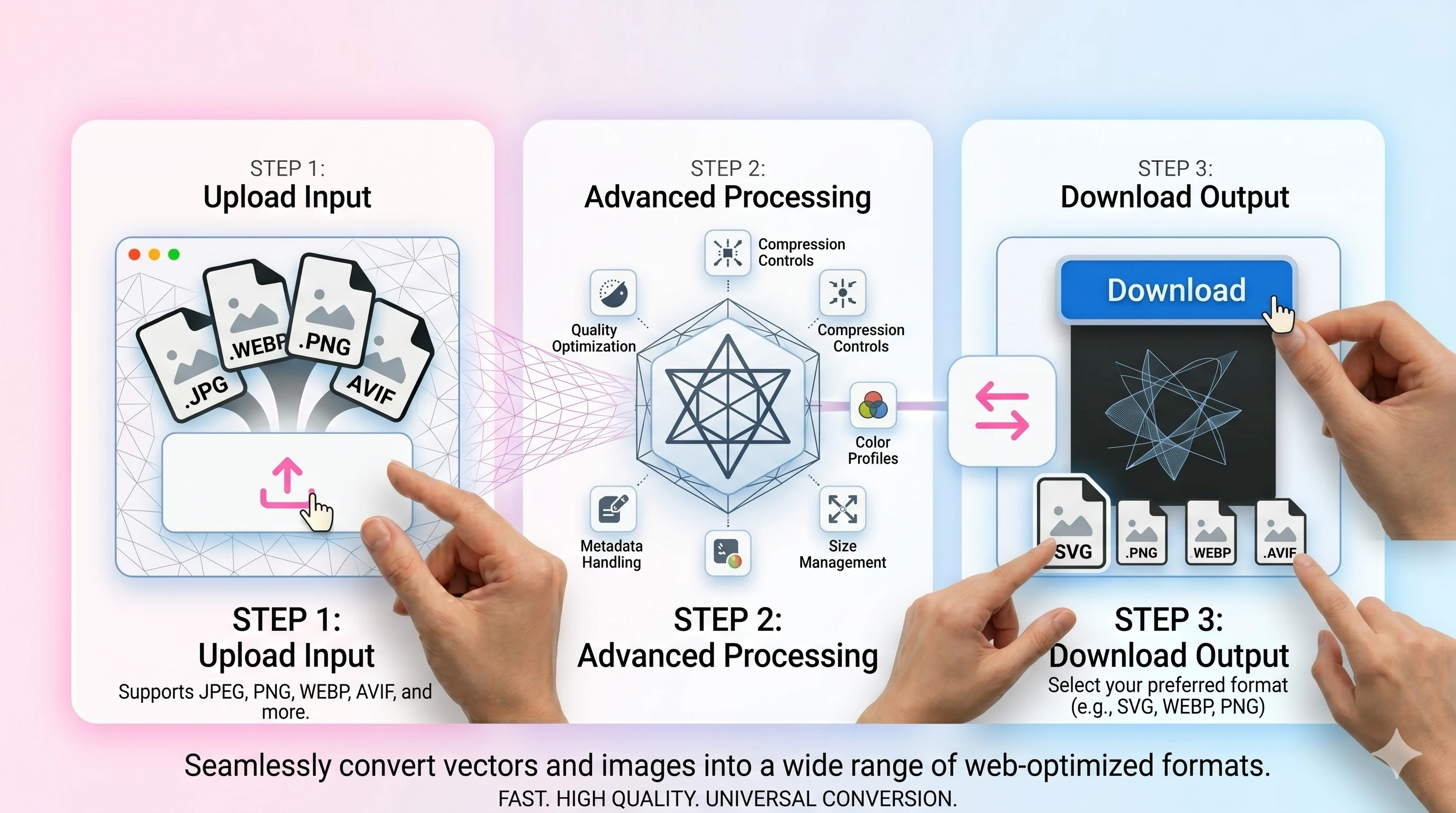
Explore Omnvert’s online image conversion hub to switch between PNG, JPG, WEBP, AVIF, and PDF without any installs. Each converter keeps colors, transparency, and EXIF as intact as possible while avoiding quality-killing re-encodes. Drag multiple files, preserve the order you selected, and download within seconds thanks to fast, loss-aware pipelines. Need lightweight JPEGs for the web, transparency-safe PNG/WEBP/AVIF for design, or quick PDF packaging? Everything runs in secure, short-lived temp folders with clear size limits, so your images stay private. No accounts, no ads—just high-quality exports, reliable downloads, and easy mobile/desktop workflows.
PNG → JPEG
Drop a transparent PNG and get back a JPEG with the alpha flattened onto a clean background and a noticeably smaller file. Handy when an upload form refuses PNG or you just need something email- and CMS-friendly.
PNG → WEBP
Take a heavy PNG — UI mockups, logos, screenshots with transparent regions — and shrink it as WEBP without losing the alpha channel. The lossless WEBP mode keeps every pixel identical when you can't afford any quality drop.
PNG → AVIF
PNGs of UI elements, illustrations, and logos drop to a fraction of their original size as AVIF while keeping transparency and sharp edges. A lossless AVIF mode is there for the cases where you can't tolerate any pixel-level change at all.
JPEG → PNG
Re-save a JPEG as PNG when you want a lossless copy to keep editing — no extra compression artefacts piled on top of what's already there, and an alpha channel ready for cutouts, masks, and overlays.
JPEG → WEBP
Re-encode a JPEG as WEBP and most photos drop 25–35% in size with no visible difference at sensible quality settings. Useful when you're tightening a site for Lighthouse scores or just want lighter assets in a CMS.
JPEG → AVIF
AVIF compresses photos to roughly half the size of an equivalent JPEG at similar perceived quality, which adds up quickly on a media-heavy page. Convert once, ship the AVIF as the primary source, and keep the original around as a fallback.
WEBP → JPEG
Some apps still choke on .webp files — Office, a few print shops, the occasional WordPress uploader. This swaps WEBP for JPEG with a quality slider so you can pick the right balance between file size and how it actually looks.
WEBP → PNG
When you save a WEBP from the web and your editor or design tool refuses to open it, this hands you back a clean PNG with the transparency intact. A reliable middle step before dragging the result into Photoshop, Figma, or older Office software.
AVIF → JPEG
AVIF still trips up plenty of apps and chat clients — Slack, certain email clients, even a few CMS uploaders. Convert it to JPEG at the quality you choose and it opens anywhere without a fuss.
AVIF → PNG
Open an AVIF in just about any older image editor by exporting it to PNG first — full alpha channel, no extra compression on the way, ready to drop into a layered file or a print-bound asset pipeline.
Image conversion tools — PNG, JPG, WEBP, AVIF preview

Related Image Tools

About

Different platforms expect different formats: JPEG for compatibility, PNG for crisp graphics, WEBP/AVIF for modern size savings. Omnvert helps you switch formats while keeping previews, order, and export settings in one place.

If you convert to JPEG, remember that JPEG cannot store transparency. Pick a background color so logos and icons don’t get dark halos. For transparent exports, keep PNG/WEBP/AVIF.

For speed and SEO-friendly web delivery, export smaller assets (WEBP/AVIF where supported), and keep originals for re-editing. Converting once from the source avoids compounding compression artifacts.

FAQ

Which image formats are supported?
PNG, JPG/JPEG, WEBP, and AVIF converters are available. For documents, you can also convert images to PDF and export PDF pages back to images.
Will transparency be preserved?
Yes for formats with alpha (PNG/WEBP/AVIF). When converting to JPEG, transparency is flattened—choose a background color to avoid black or unexpected edges.
How do I keep quality while reducing size?
For photos, try JPEG quality 82–90. For web delivery, WEBP or AVIF usually wins at smaller sizes. Avoid repeated re-encoding—convert once from the original.
Is it safe and private?
Uploads are processed in short-lived temp storage and download links are temporary. No signup required.